
Get Free Delivery for Your Orders With Merchantlify Advanced Delivery App
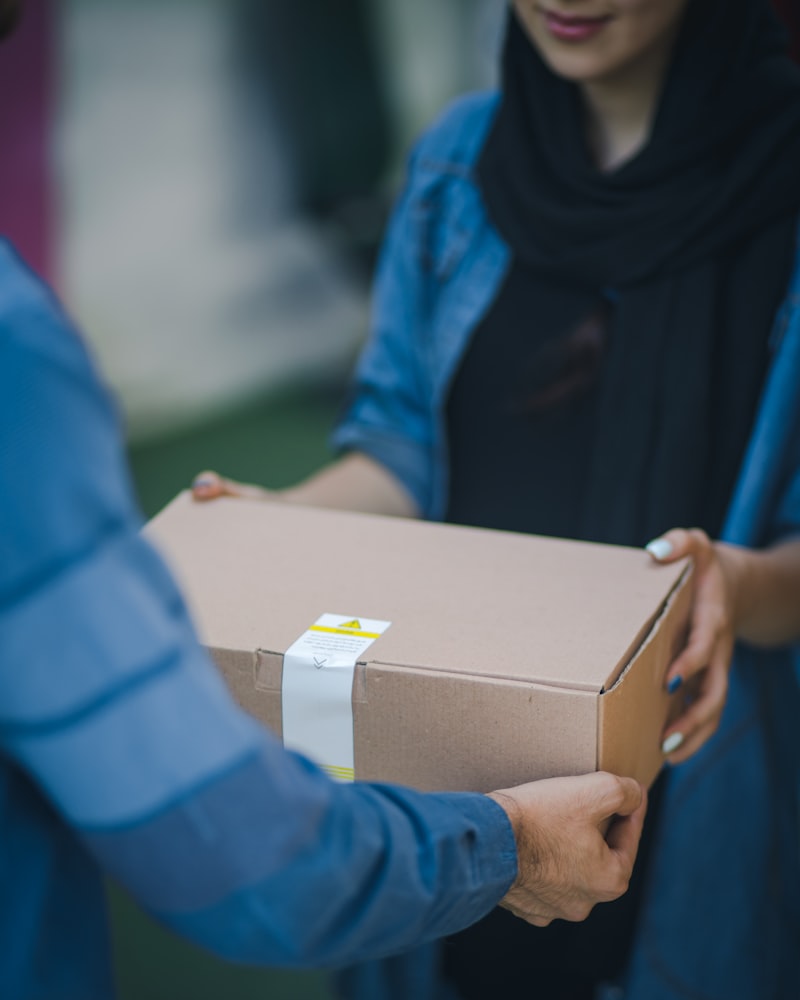
Manage deliveries with Merchantlify's advanced delivery app. Live real-time tracking with maps, rider management, and free delivery for your orders.
Delivery has become essential for restaurants, retail, and grocery businesses. Customers expect to order from their phones and track their delivery in real time. But building delivery infrastructure is expensive and complex.
Merchantlify's advanced delivery app changes that. Get free delivery management with live real-time tracking, map integration, and complete rider management—all included in your Merchantlify subscription.
Why Delivery Matters
Customer Expectations
Customers expect delivery. Restaurants without delivery lose orders to competitors. Retailers without delivery lose sales to e-commerce. Grocery stores without delivery lose customers to apps.
Third-Party Commissions
Delivery platforms charge 15-30% commission on every order. For many businesses, that's the difference between profit and loss.
Direct Customer Relationships
When customers order through your own system, you own the relationship. You can market to them directly. You keep their data.
Operational Control
Third-party platforms control your delivery experience. Your own delivery system means your standards, your timing, your quality.
Merchantlify Delivery App Features
Live Real-Time Tracking
Watch every delivery in real time. See rider locations on maps. Know exactly when orders will arrive.
Map Integration
Turn-by-turn navigation for riders. Optimized routes for efficiency. Accurate ETA calculations.
Rider Management
Assign riders to orders. Track rider performance—delivery times, order volumes, customer feedback. Manage shifts and availability.
Customer Tracking Links
Share tracking links with customers. They see rider location and estimated arrival on their own devices. No more "where is my order?" calls.
Multi-Order Optimization
Riders can handle multiple orders per trip. System optimizes routes for efficiency.
Delivery Zones
Define delivery areas with geofencing. Set different fees or minimums for different zones. Automatically accept or reject orders based on location.
Delivery Analytics
Track delivery times, costs, and customer satisfaction. Identify bottlenecks and optimize operations.
Free Delivery
Merchantlify delivery management is included free. No commissions. No per-delivery fees. No third-party charges.
How Merchantlify Delivery Works
Step 1: Customer Orders
Customers order through your white label website, mobile app, or POS.
Step 2: Order Enters Mpanel
The order appears in your Mpanel dashboard and flows to the kitchen or fulfillment team.
Step 3: Assign Rider
Assign an available rider to the order. The system shows rider location and availability.
Step 4: Rider Navigates
The rider app provides turn-by-turn directions. Route optimization ensures efficiency.
Step 5: Customer Tracks
Customers receive a tracking link. They watch the rider approach in real time.
Step 6: Delivery Confirmed
Rider confirms delivery. Customer receives notification. Order complete.
Delivery App for Different Business Types
Restaurants and Cafes
Deliver food hot and on time. Track riders. Manage multiple orders per trip. Build a delivery brand customers trust.
Grocery and Marts
Deliver groceries efficiently. Manage large orders. Optimize routes for multiple deliveries.
Pharmacies
Deliver medicines quickly. Track critical deliveries. Ensure timely arrival.
Retail Stores
Offer delivery for purchases. Compete with e-commerce. Build customer loyalty.
Setting Up Merchantlify Delivery
Step 1: Define Delivery Zones
Draw zones on the map. Set fees and minimums for each zone.
Step 2: Add Riders
Create rider accounts. Add their details, vehicles, and availability.
Step 3: Configure Settings
Set delivery hours, preparation times, and maximum delivery distances.
Step 4: Enable in Your App
Delivery options automatically appear in your white label website and app.
Step 5: Start Delivering
Orders come in. Assign riders. Track deliveries. Delight customers.
Merchantlify Delivery vs. Third-Party Platforms
| Feature | Merchantlify | Third-Party Platform |
|---|---|---|
| Cost | Free | 15-30% commission |
| Customer Data | Yours | Platform's |
| Brand Experience | Yours | Platform's |
| Rider Management | Yours | Platform's |
| Live Tracking | Included | Included |
| Map Integration | Included | Included |
| Delivery Zones | Configurable | Limited |
| Marketing | Direct | Through platform |
Best Practices for Delivery Operations
Set Realistic Times
Don't promise faster than you can deliver. Under-promise and over-deliver.
Optimize Routes
Group nearby deliveries for efficiency. Use map integration to find best routes.
Communicate Proactively
Send updates at every stage—order confirmed, preparing, out for delivery, arriving.
Monitor Performance
Track delivery times and customer feedback. Address issues quickly.
Train Riders
Professional, courteous riders represent your brand. Train them well.
Conclusion: Delivery Without Compromise
Delivery is essential. But third-party platforms take your money, your customers, and your brand control.
Merchantlify gives you delivery on your terms—free, branded, and fully managed. Live tracking with maps. Rider management. Customer tracking links. Everything you need to deliver exceptional service.
For businesses ready to own their delivery experience, Merchantlify is the answer.